 QiRing
A way back in.
A mandatory recovery ceremony helps you record and verify your recovery key. Recovery rotates the key and sets a new master password.
Recovery explained ↗Inside QiRing
A focused desktop app for the everyday work of keeping credentials organized. No online account required.
Open QiRing and unlock your existing Ring with your master password. Your credentials stay on your computer, with no online account to sign in to.
If you forget your master password, your saved recovery key lets you set a new one. Keep that key somewhere safe and separate from your computer.
Learn about unlocking & recovery ↗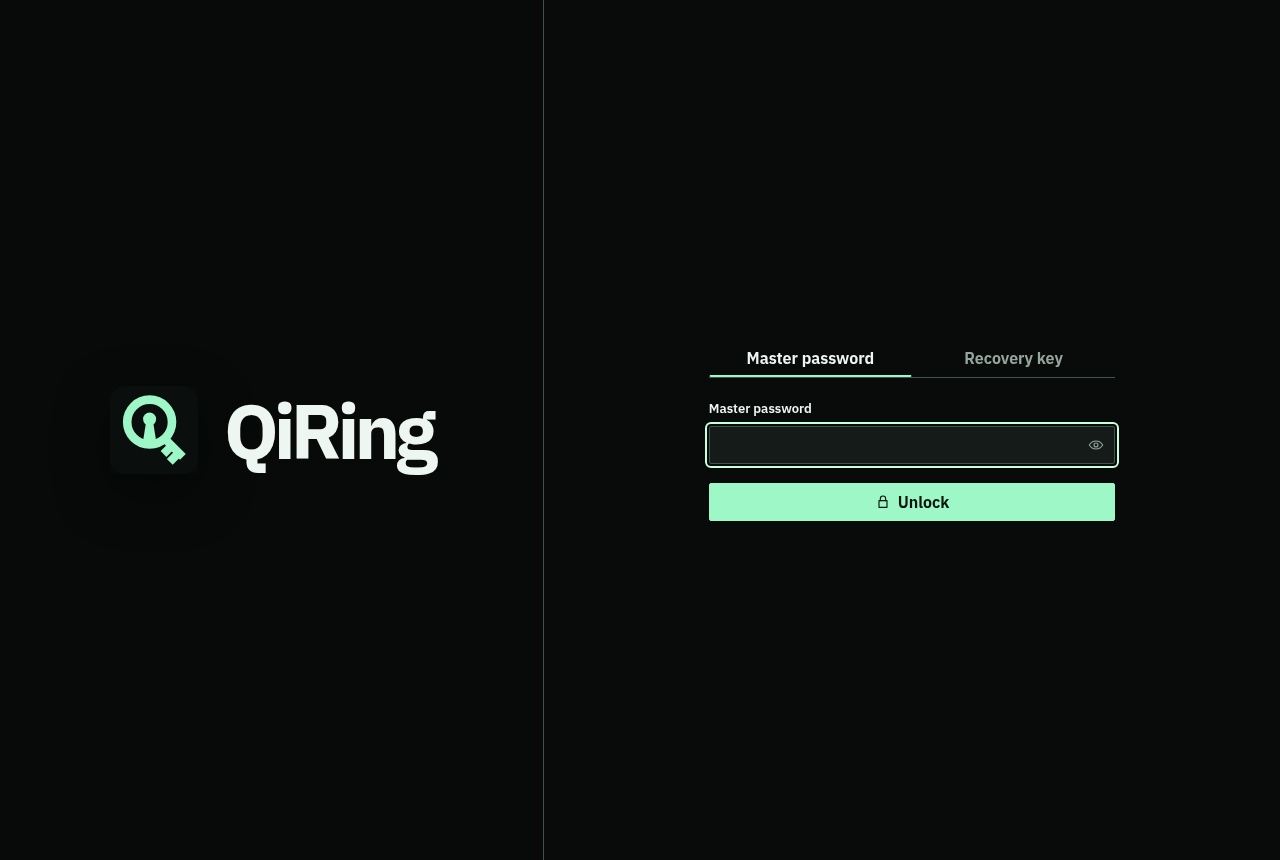
Keep logins and private notes in a searchable, categorized Ring. Add tags, images, custom fields, and security questions without scattering the details across different tools.
Store a TOTP setup key alongside a login to generate its six-digit code locally. Passwords and secret fields stay masked until you choose to reveal them.
Read the Ring & Qi editor guide ↗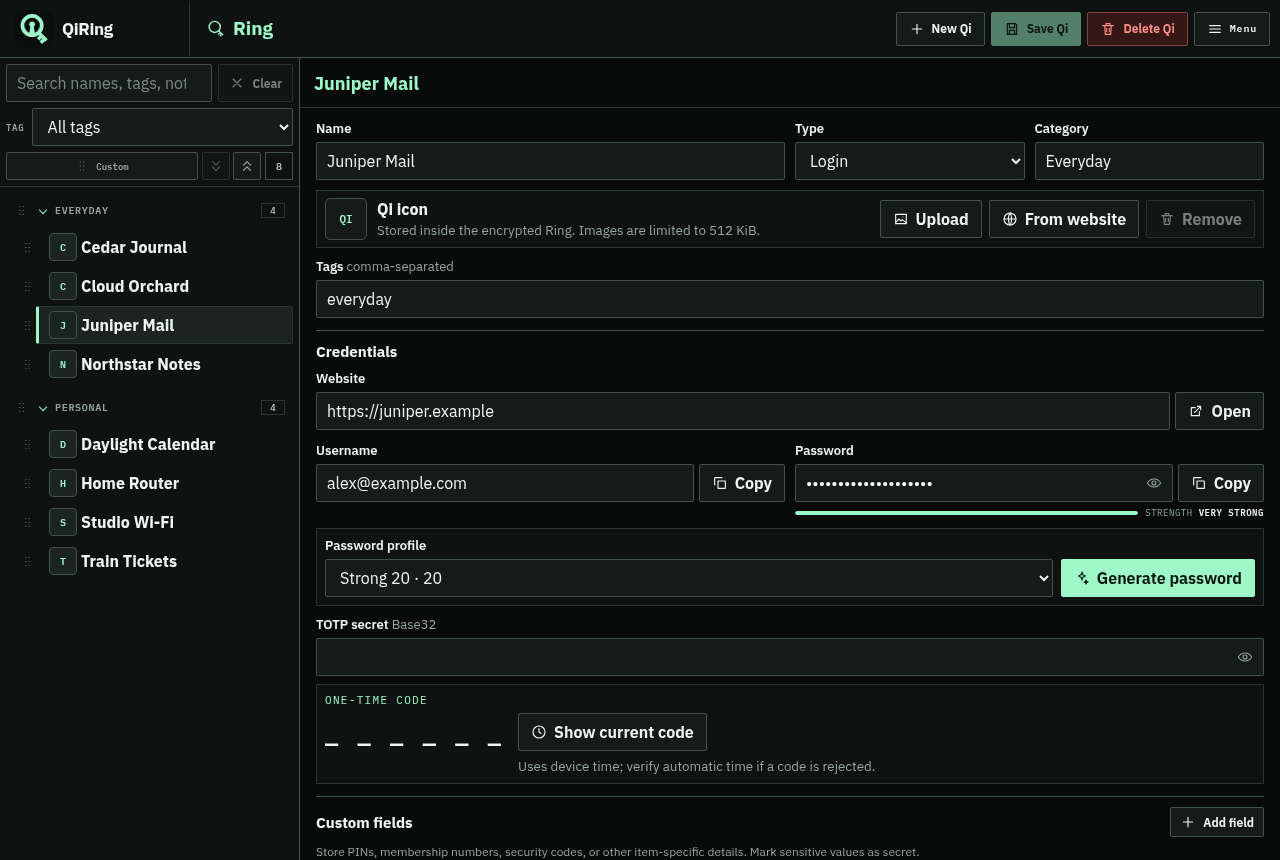
Save the rules you actually need: length, uppercase and lowercase letters, numbers, allowed symbols, and whether to avoid ambiguous characters.
Test a profile before saving it, then reuse it whenever you generate a password for a Qi.
Build your first profile ↗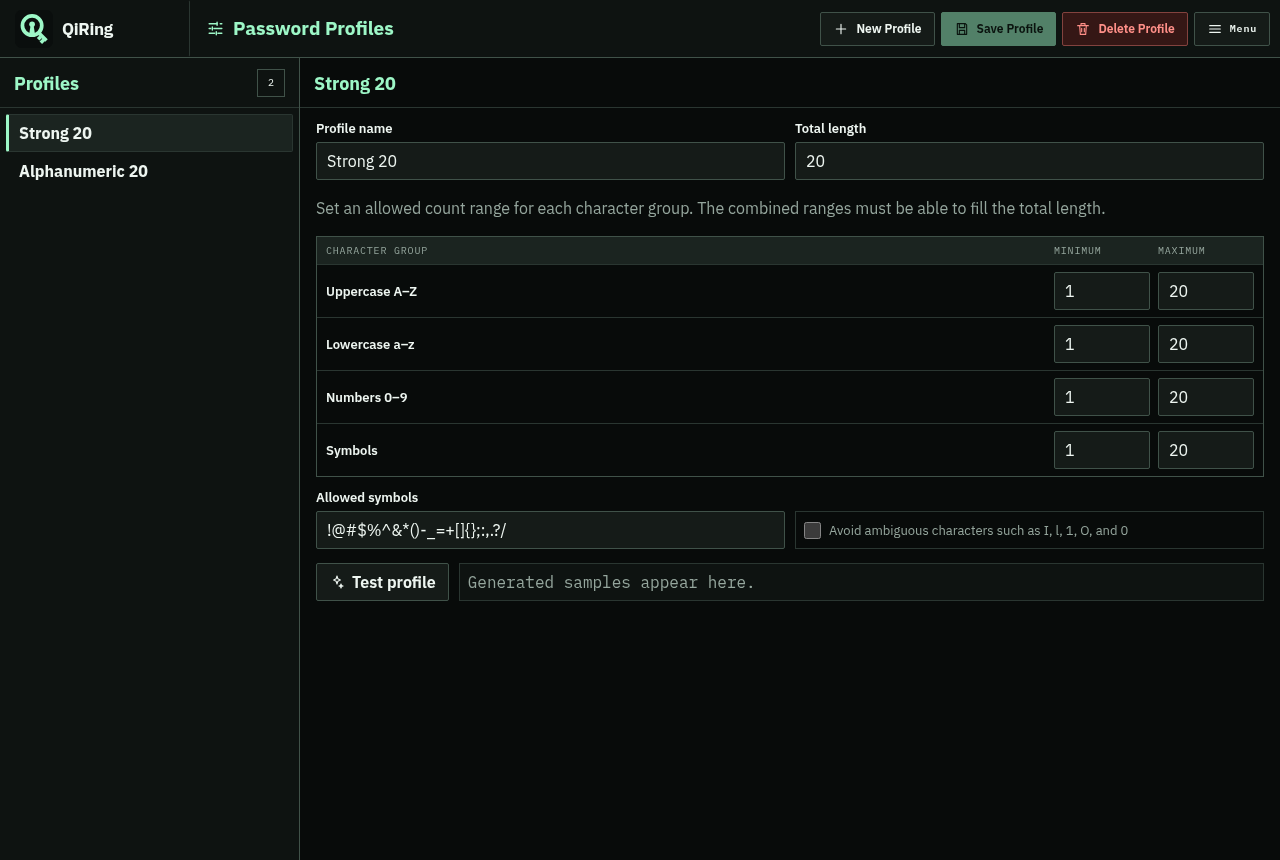
Review weak, reused, and older passwords without sending passwords or hashes to a network service. Jump from a finding directly to the entry that needs attention.
This is a local password-quality review. It does not search online breach databases.
Understand the health report ↗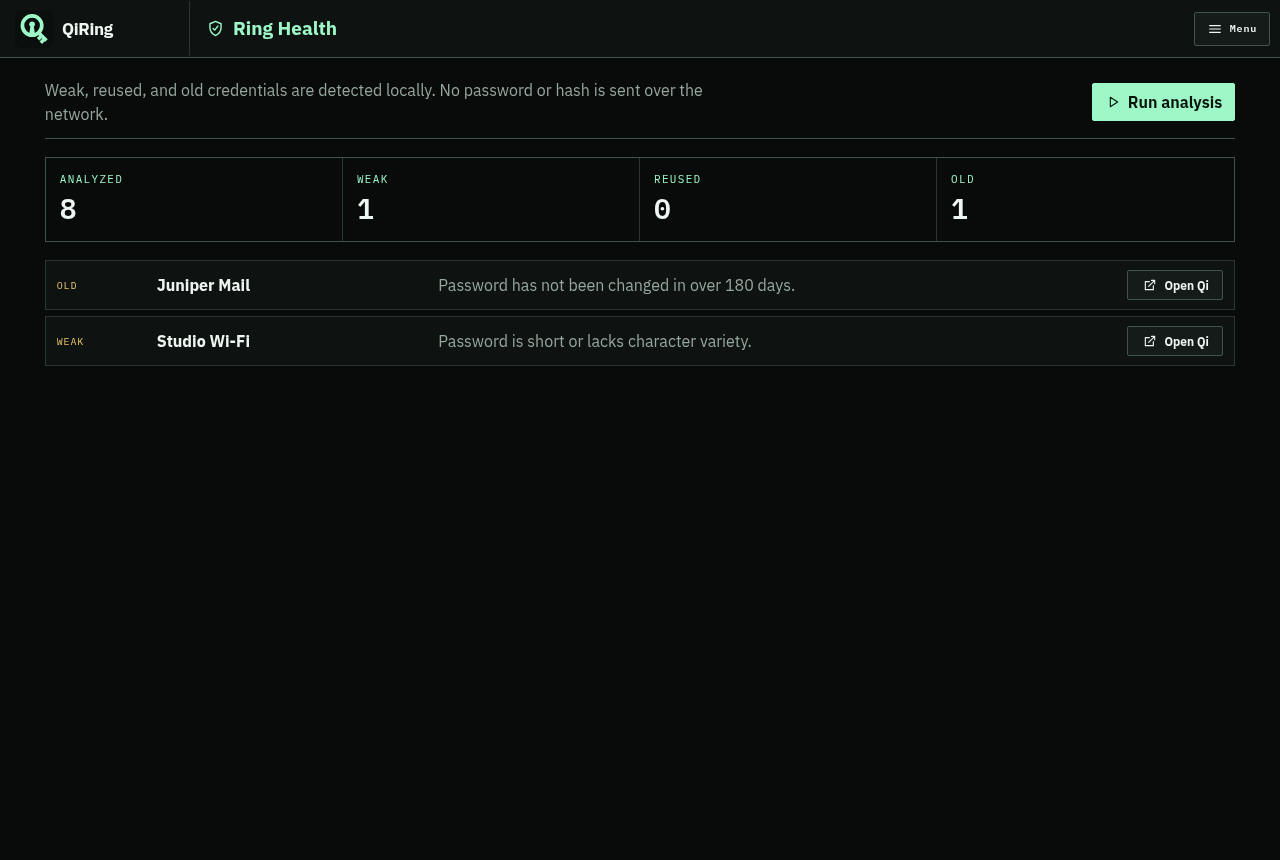
Made for the everyday
Choose how QiRing fits into your desktop, and make a plan for keeping your Ring safe.
A mandatory recovery ceremony helps you record and verify your recovery key. Recovery rotates the key and sets a new master password.
Recovery explained ↗Export an encrypted backup with a separate passphrase, keep local snapshots, or preview and map a CSV import.
Backups & transfer ↗Light and dark themes, keyboard shortcuts, auto-lock settings, clipboard timing, and portable Linux and Windows builds.
Make it yours ↗See it for yourself
Every screenshot on this site uses fictional data. Try the same approach while you explore the prerelease.